Export your TikTok Followers and Following to CSV
Save time and effort by exporting your TikTok followers and following data to CSV or Excel with just one click. Useful for personal backup, reporting, and account management. Works directly in your browser.
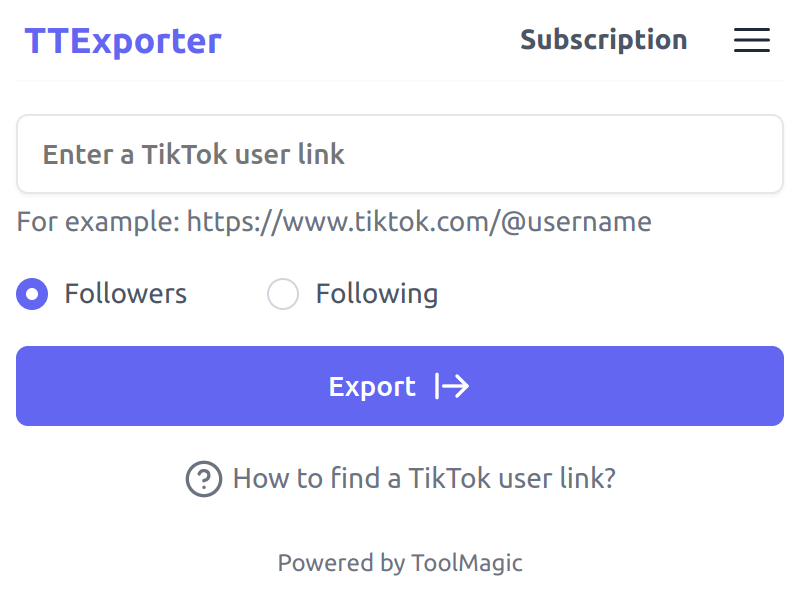
Powerful and Easy-to-Use TikTok Follower Exporter
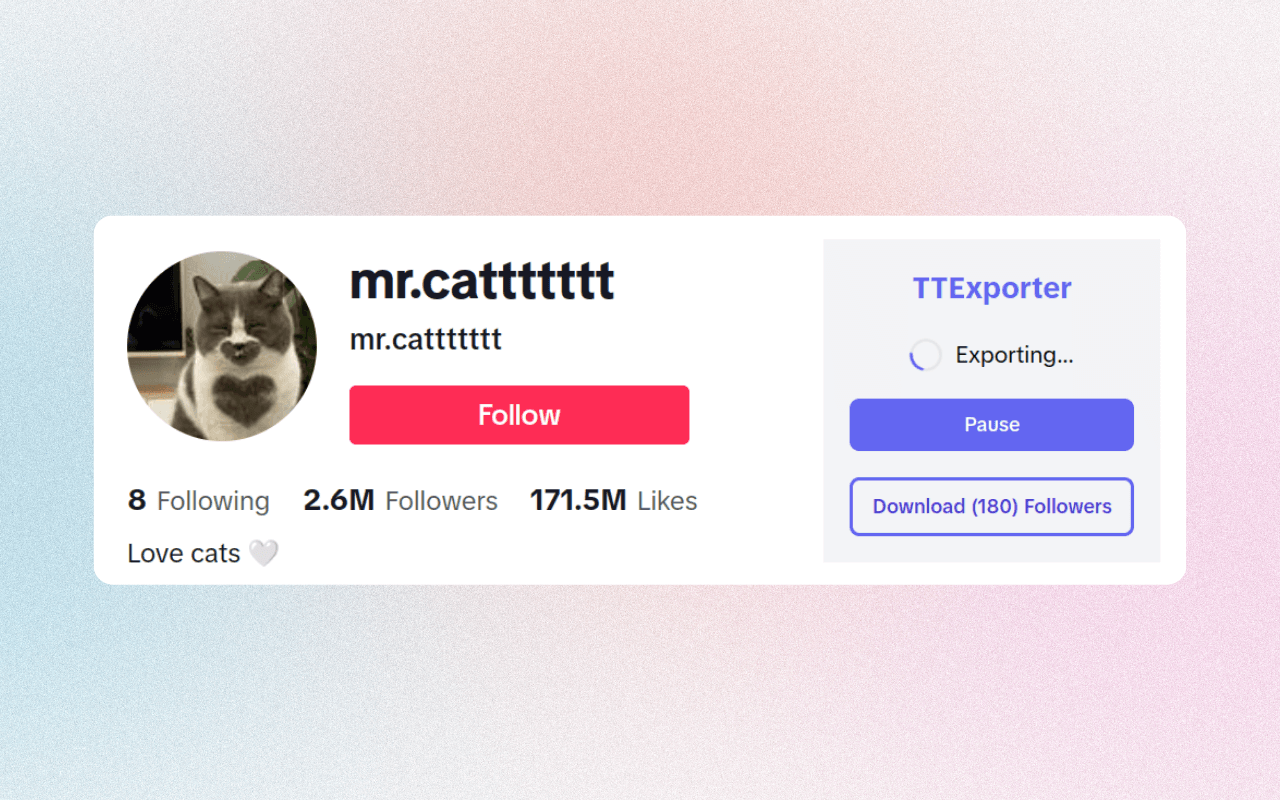
Our TikTok Follower Exporter simplifies the process of exporting followers and following lists from TikTok accounts you own or are authorized to manage. Replace manual data collection with a browser-based export workflow for reporting and account management.
Designed for lawful, authorized use
Only export data you are permitted to access, and use exported data in compliance with applicable laws and platform rules.
Privacy-first export
The extension runs in your browser. Exported data is processed locally on your device and downloaded directly to your computer. See our Privacy Policy for details about account, billing, support, and diagnostic data.
What type of data can you export via our TikTok Follower Exporter
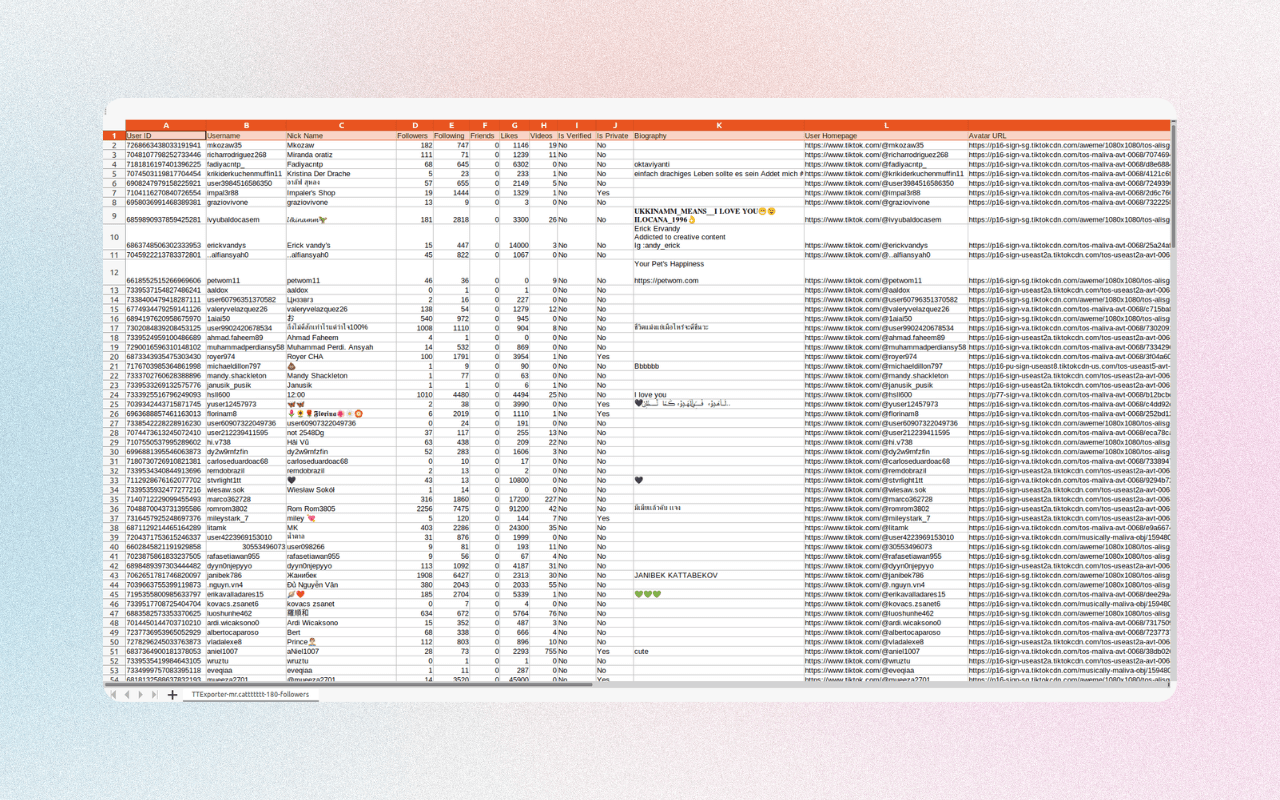
The following table lists all supported data fields. Exports may include profile information, and you are responsible for handling exported data in compliance with privacy laws, platform terms, and your own policies.
| Field Name | Description |
|---|---|
| User ID | A unique identifier assigned to each TikTok user. |
| Username | The public name that a TikTok user chooses to represent themselves. |
| Nickname | The nickname of a TikTok user. |
| Followers | The total number of followers a TikTok user has. |
| Following | The total number of users a TikTok user follows. |
| Friends | The total number of friends a TikTok user has. |
| Likes Received | The total number of likes a TikTok user has received. |
| Likes Given | The total number of likes a TikTok user has given. |
| Videos | The total number of videos posted by a TikTok user. |
| Is Verified | Indicates whether the TikTok account is verified or not. |
| Is Private | Indicates whether the TikTok account is private or not. |
| Are Likes Public | Indicates whether the videos a TikTok user has liked are publicly visible. |
| Is Shop Seller | Indicates whether the TikTok user is a TikTok Shop seller. |
| Biography | The text that a TikTok user has written about themselves. |
| User Homepage | A link to the user's TikTok homepage. |
| Avatar URL | The URL of the TikTok user's profile picture. |
Start for free today
Sign up for a free plan and export TikTok follower data from accounts you are authorized to manage.
Pricing
Start for free, stay for the value.
Free
$0
Get started for free
- Export up to 200 followers or following
- Save as CSV / Excel
- Resume export tasks from history
Pro
$9.9/month
Suitable for trying out
- Export up to 10,000 followers or following
- Save as CSV / Excel
- Resume export tasks from history
- Priority customer support
Frequently asked questions
Feel free to contact us if you have any other questions.
What is TikTok Follower Exporter?
TikTok Follower Exporter is a tool for exporting follower and following data from TikTok accounts you own or are authorized to manage. It can be useful for personal backup, reporting, and account management.How to find a TikTok user link?
When you click into a user page, you will find the "Copy link" button within the "Share" button, which is located to the right of their avatar.
How to Export TikTok Followers?
To export TikTok followers, add our extension to your browser and create an account. Once you have signed in, you can enter a TikTok account link you are authorized to manage and click the "Export" button. Your data will be exported to a CSV or Excel file, which you can then download to your computer.How to upgrade my plan?
To upgrade your plan, please note that the process currently requires manual intervention from our side. To initiate the upgrade, kindly reach out to our support team and provide them with the details of your desired plan. They will assist you in upgrading to the plan that best fits your needs.
How much does TikTok Follower Exporter cost?
TikTok Follower Exporter offers a free plan and a paid subscription. The free plan allows you to export up to 200 followers or following from authorized accounts. The paid subscription allows you to export up to 10,000 followers or following from authorized accounts.Can I cancel my subscription?
You can cancel future renewals from your extension's subscription page. Refund eligibility is governed by our Refund Policy.